 Aleksander Roszig
April 4, 2026 | 10 min Read
Aleksander Roszig
April 4, 2026 | 10 min ReadKubernetes Resource Management: CPU Request and Limit in Practice
Table of contents
Kubernetes has been with us for 11 years now, and resource management is one of its most fundamental functions. Yet it remains one of the most common issues we observe in projects. Many people don’t know how to properly use resource management mechanisms or use them incorrectly. It’s still one of the most discussed topics in the Kubernetes world. In this article, I’d like to explain how CPU request and CPU limit work. In this post, we’ll focus on CPU, and in the next part (Kubernetes memory request and limit), we’ll discuss memory management.
Kubernetes Resource Management – How Does CPU Resource Allocation Work?
The answer is: cgroups.
Cgroups version 1 have been available since Linux kernel 2.6.24 (January 2008). They are the foundation of containerization technologies like Docker, Podman, and LXC. Today, most systems use cgroups v2, which were declared stable in kernel 4.5 in 2016 – and this is the version we’ll continue to reference. “Control groups, usually called cgroups, are a Linux kernel feature that enables organizing processes into hierarchical groups, whose use of various types of resources can then be limited and monitored.” - https://man7.org/linux/man-pages/man7/cgroups.7.html In practice, this means that all processes in a container can be placed in a single cgroup, for which we set parameters of controllers, such as CPU or memory. Kubelet, which is responsible for creating containers, uses among others the following controllers:
- cpu
- cpuset
- memory
- hugetlb
- pids
When setting CPU requests and limits, we’re interested in the cpu controller.
According to the Linux kernel documentation: “CPU controllers regulate the distribution of processor cycles. This controller implements weight and absolute bandwidth limitation models for standard scheduling policy, as well as absolute bandwidth allocation model for real-time scheduling policy.” We’ll focus on standard scheduling mode (normal scheduling), because that’s how Kubernetes works by default. With certain changes, it’s possible to run real-time applications on Kubernetes, but it’s not the default platform for this type of workload and is not yet supported in cgroups version 2.
CPU Request – Weight Model (weight)
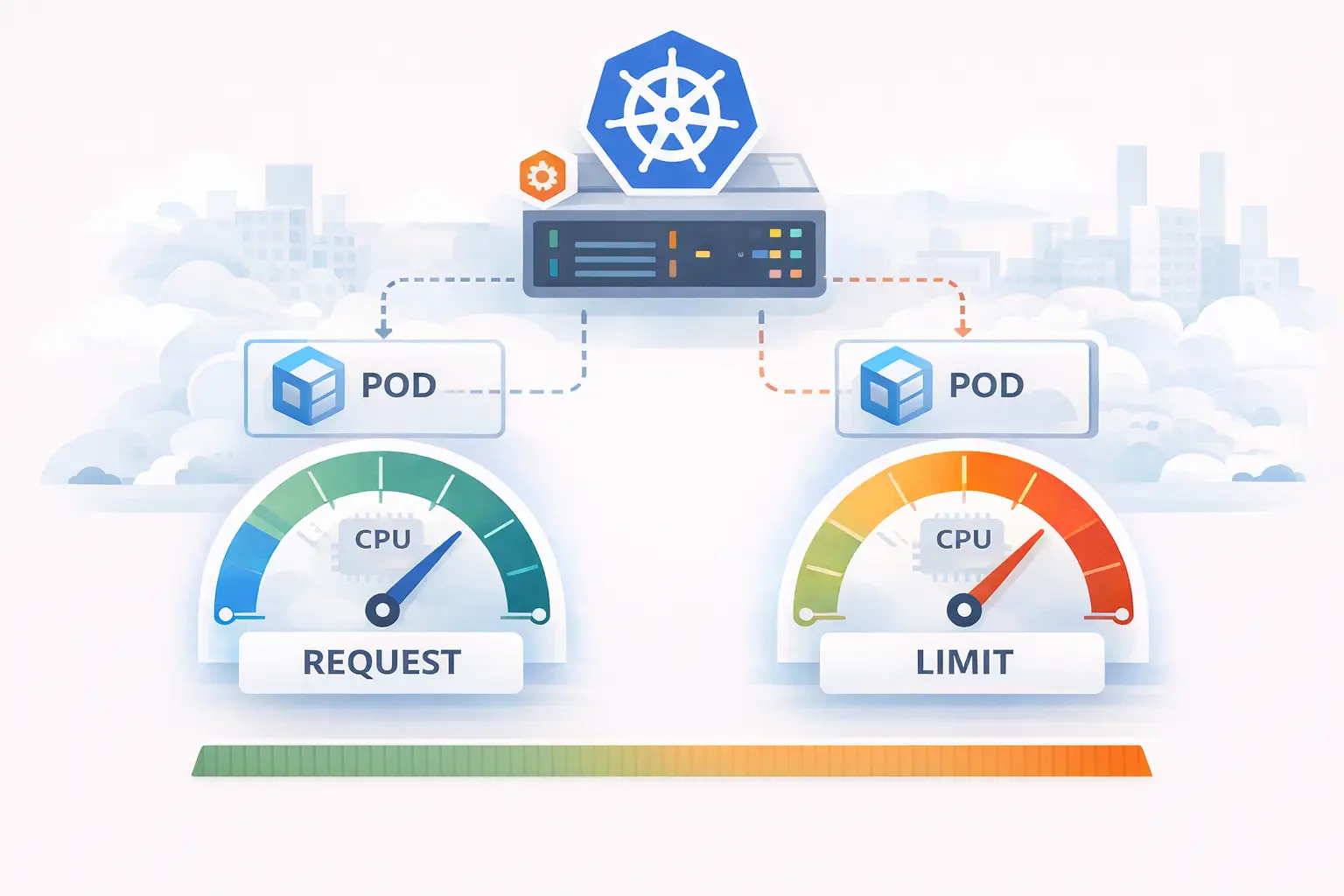
CPU request in Kubernetes corresponds to the weight model in cgroups. This is the amount of CPU we guarantee ourselves under load. If we set in a Deployment:
resources:
  requests:
    cpu: 500m
Kubernetes converts this to a shares value (in cgroups v1) or weight (in cgroups v2). It does this using the MilliCPUToShares() function:
// MilliCPUToShares converts the milliCPU to CFS shares.
func MilliCPUToShares(milliCPU int64) uint64 {
	if milliCPU == 0 {
		// Docker converts zero milliCPU to unset, which maps to kernel default
		// for unset: 1024. Return 2 here to really match kernel default for
		// zero milliCPU.
		return MinShares
	}
	// Conceptually (milliCPU / milliCPUToCPU) * sharesPerCPU, but factored to improve rounding.
	shares := (milliCPU * SharesPerCPU) / MilliCPUToCPU
	if shares < MinShares {
		return MinShares
	}
	if shares > MaxShares {
		return MaxShares
	}
	return uint64(shares)
}
In simplified form:
shares = milliCPU * 1024 / 1000
For our set request value of 500m, the calculation will be: 500 * 1024 / 1000 = 512
This value goes to the cgroups part that is responsible for CPU time allocation. In cgroups v1, this is the cpu.shares parameter, and in cgroups v2, it is cpu.weight. This means our pod will have a weight of 512 relative to other pods, which have their own shares/weight values.
Next, it’s used by the Linux scheduler. In many distributions with kernel version above 6.6, such as Amazon Linux 2023, Ubuntu 22.04.5+, 24.04+, Red Hat Enterprise Linux 10, there’s already a newer EEVDF scheduler version. The Linux scheduler is the part of the kernel that handles CPU resource allocation. Even if you sometimes see the “CFS” metric name in Kubernetes code, which refers to an older scheduler that was added to the Linux kernel in October 2007 in version 2.6.23, your node still uses the scheduler provided by your Linux system.
How Does CPU Sharing Work in Kubernetes?
Let’s assume we have 3 pods and for each of them a cgroup has been created with the following values:
| cgroup | milliCPU parameter |
|---|---|
| G1 | 150 |
| G2 | 100 |
| G3 | 50 |
The total sum of weights is 300. The Linux scheduler will allocate CPU time proportionally to these weights. This means that if all three cgroups are active and competing for CPU time. We can also calculate shares = milliCPU * 1024 / 1000 to see how this translates to percentages:
| cgroup | milliCPU parameter | CPU Time Allocation | shares |
|---|---|---|---|
| G1 | 150 | ~50% (150/300) | ~50% (153/306) |
| G2 | 100 | ~33% (100/300) | ~33% (102/306) |
| G3 | 50 | ~16%(50/300) | ~16%(51/306) |
We set how much time each cgroup can get at full CPU utilization. This only applies when the CPU is fully loaded. If Pod A in G1 only needs 25 cycles, the remaining cycles will be distributed according to the weights of other cgroups. Request is the minimum guaranteed share under full load conditions, not a hard limit. So if other containers are not running, it can use significantly more time. As you can see from this table, setting CPU > 1 for a given pod doesn’t mean it will get more than one core. It only means it will get much more CPU time when pods are competing for resources.
What If the Sum of Requests Exceeds 1 CPU?
Setting CPU > 1 for a given pod doesn’t mean it will have more than one core. It does not hand a pod a dedicated core unless you use a CPU manager with a static policy. It only means it will have much more CPU time. Let’s assume we have 3 pods, one with a request over 1 core, and their sum is 2800m:
| cgroup | milliCPU parameter | CPU Time Allocation | shares |
|---|---|---|---|
| G1 | 1600 | ~57% (1600/2800) | ~57% (1600/2800) |
| G2 | 600 | ~21.5% (600/2800) | ~21.5% (600/2800) |
| G3 | 600 | ~21.5% (600/2800) | ~21.5% (600/2800) |
The division is still proportional: The scheduler doesn’t care that the sum exceeds 1 core. It operates only on weight ratios. 100m is always the same weight – but on a larger machine, the same weight translates to more actual computing power.
CPU Limit – Bandwidth Quota Model
Now that we know what a request is, we can look more closely at the CPU limit. In our CPU controller, we also have another model for distributing CPU time, called “absolute bandwidth limit model”. Again, we need to convert our Kubernetes units from pod settings to cgroups settings. The function used for this is MilliCPUToQuota.
// MilliCPUToQuota converts milliCPU to CFS quota and period values.
// Input parameters and resulting value is number of microseconds.
func MilliCPUToQuota(milliCPU int64, period int64) (quota int64) {
	// CFS quota is measured in two values:
	//  - cfs_period_us=100ms (the amount of time to measure usage across given by period)
	//  - cfs_quota=20ms (the amount of cpu time allowed to be used across a period)
	// so in the above example, you are limited to 20% of a single CPU
	// for multi-cpu environments, you just scale equivalent amounts
	// see https://www.kernel.org/doc/Documentation/scheduler/sched-bwc.txt for details

	if milliCPU == 0 {
		return
	}

	if !utilfeature.DefaultFeatureGate.Enabled(kubefeatures.CPUCFSQuotaPeriod) {
		period = QuotaPeriod
	}

	// we then convert your milliCPU to a value normalized over a period
	quota = (milliCPU * period) / MilliCPUToCPU

	// quota needs to be a minimum of 1ms.
	if quota < MinQuotaPeriod {
		quota = MinQuotaPeriod
	}
	return
}
By default, the cfs_period_us value is 100ms. So our limit (quota) is:
quota = (milliCPU * period) / MilliCPUToCPU
For example:
(500m * 100) / 1000 = 50 ms
We know that our pod can run for a maximum of 50ms in every 100ms of measured time. After using up this time, the cgroup throttles the pod until the next period.
How Does CPU Throttling Work in Kubernetes?
So what happens if our settings look like this: shares = 512 quota = 50ms per 100ms (hard cap)
If it tries to take more than 50% of CPU time in this period:
- It runs and consumes CPU time
- It uses up the entire quota
- Throttling occurs - the kernel suspends processes
- Pod waits for the next period
- Return to step 1
This causes CPU throttling, which can negatively impact application latency.
Does CPU Limit Make Sense?
As always, “it depends”. Many applications can be idle most of the time, waiting for a request to process something, and then run for a short period. For example, an API waits 200ms, does 20ms of CPU work, then waits for a response again. If we set a limit of 10ms, we’ll need two periods to complete the same amount of work, and another part of the system will have to wait. By setting a limit, we stop its ability to process data quickly, even if our processor still has enough power to do it without sharing cycles with other applications. With a request, we still ensure that our application gets an appropriate amount of time during CPU load, and the main idea behind cloud computing, Kubernetes, and automatic scaling is that we use our resources as efficiently as possible. Most applications work in a bursty manner:
- waits for a request
- executes a short piece of work
- waits again
Example: An API waits 200ms, does 20ms of CPU work, and waits again. If we set the limit to 10ms, doing the same operation will take two periods instead of one, even though there may be free CPU available on the node. Limit restricts the ability to process data quickly, even when there’s no real competition for resources. These situations can be detected using Kubernetes monitoring - for example in Grafana - by observing the metrics container_cpu_cfs_throttled_periods_total and container_cpu_cfs_throttled_seconds_total.
A set request provides fair distribution under load and at the same time having no limit allows us to use all available resources. This is the essence of cloud computing, autoscaling, and efficient use of IT infrastructure.
When Does CPU Limit Make Sense?
There are scenarios where setting a CPU limit is justified:
- multi-tenant environments - when applications from different teams or clients run on a single cluster
- untrusted workloads - when we don’t have full control over the code running in containers
- protection against runaway processes - protection against infinite loops or cryptocurrency miners
- cost control - limiting resource consumption within a set budget
- PaaS platform providers - for example, managed container services like AWS ECS, which require setting limits
In such cases, the limit provides isolation and predictability. However, if you’re the cluster owner, you have control over workloads and proper monitoring - in many cases a CPU limit is not necessary. This limit provides an additional layer of security protecting the rest of the cluster workload in case of its malfunction or a mistake during application profiling.
This article does not cover the overhead associated with the container runtime environment (modeled using the RuntimeClass class) or QoS classes for containers.
Of course, there are situations when we are providers or manage clusters and want to be sure that some developers don’t have applications causing very high CPU load spikes, we want to be sure that nobody deploys an infinite loop, a cryptocurrency miner, or we want to control costs, but this is a matter that each organization must decide based on their use case. In multi-tenant or untrusted environments, CPU limits provide security and isolation. If you’re the cluster owner and your team is responsible for managing that cluster, in my opinion it’s not necessary. Or situations such as:
- Preventing load testing of an isolated service using the entire machine in a test environment when the service will only have part of the machine in the production environment
- Setting a hard budget that limits resources available for a service for scheduling, security, billing, or accounting reasons
- If you decide to use a managed service to run containers, such as ECS, these services require setting CPU limits (and memory).
- This requirement helps providers allocate resources and also works to your benefit. You pay for resource allocation, and unlimited usage means unlimited costs.
Summary
Decisions about resource management - such as setting CPU request and CPU limit - may seem simple, but their impact on latency, scalability, and costs can be significant. Proper Kubernetes resource management in this regard requires understanding the mechanisms working underneath: cgroups, the Linux scheduler, and the weight model. If you want to verify your architecture, deploy a Kubernetes cluster in your company, eliminate performance issues, or need support from Kubernetes experts — our team offers comprehensive Kubernetes consulting based on data and metrics.